
More cockpit.
Less keyboard.
Make your phone or tablet part of your flight setup. Bring frequently used controls alongside your HOTAS.
Your cockpit, extended.
Create a keyboard-driven button box, or go deeper with a supported integration. For DCS World, DCS-BIOS MATRIC Middleware can feed simulator data into MATRIC variables to help keep controls in sync.
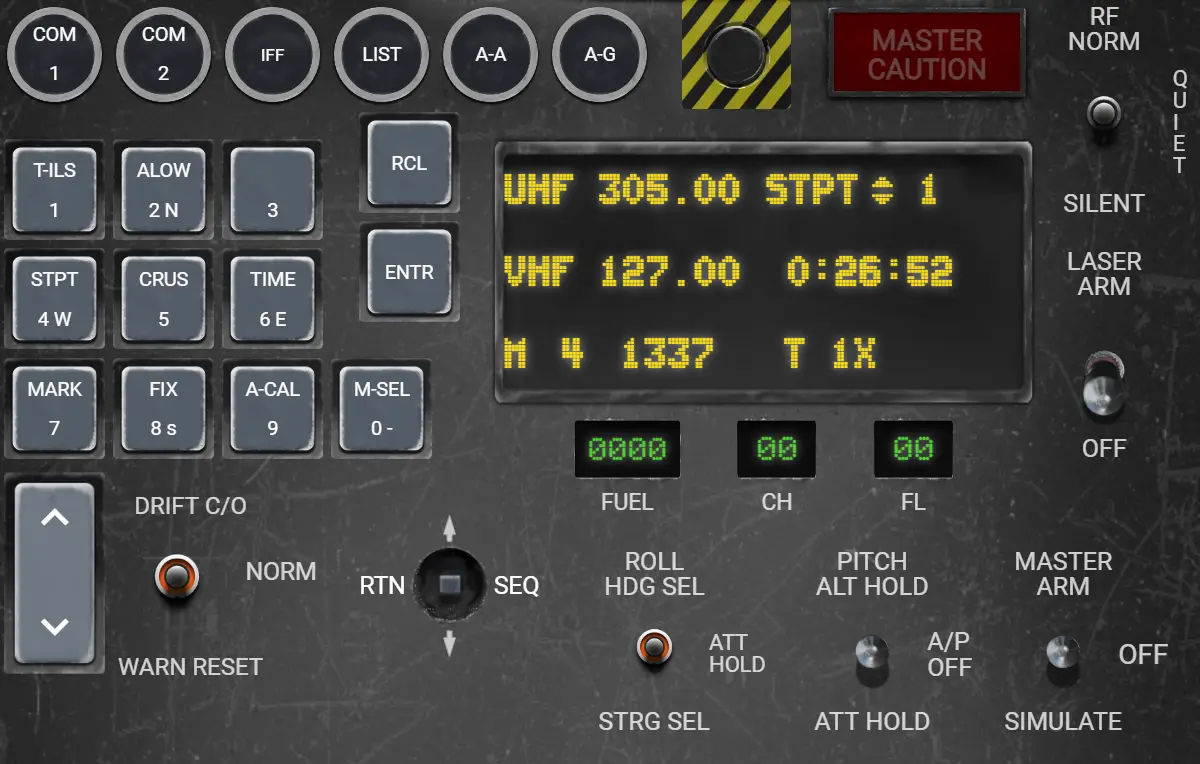
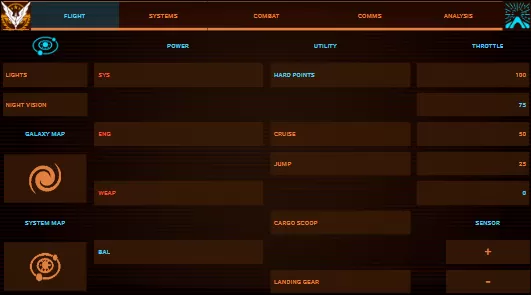
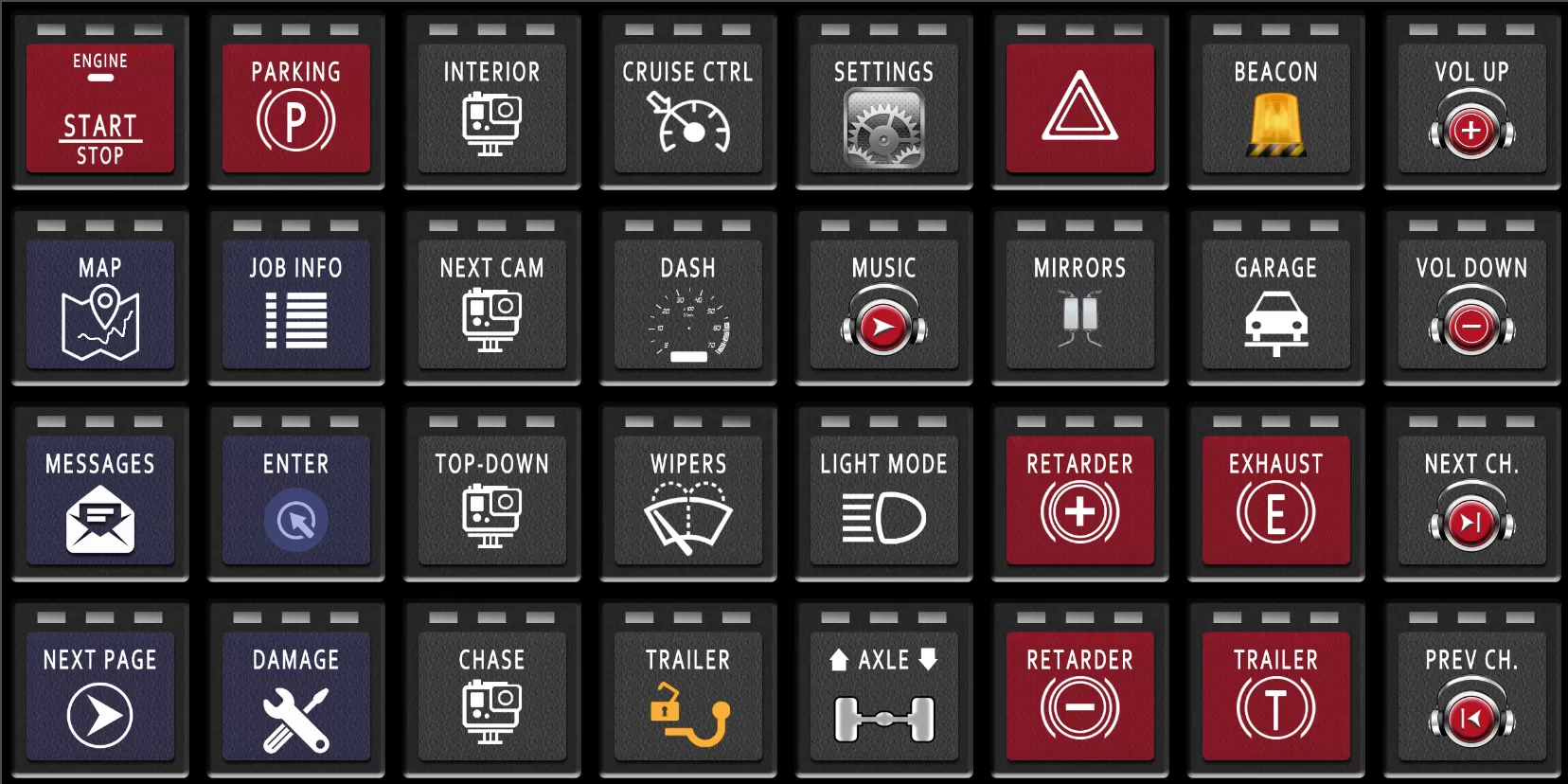
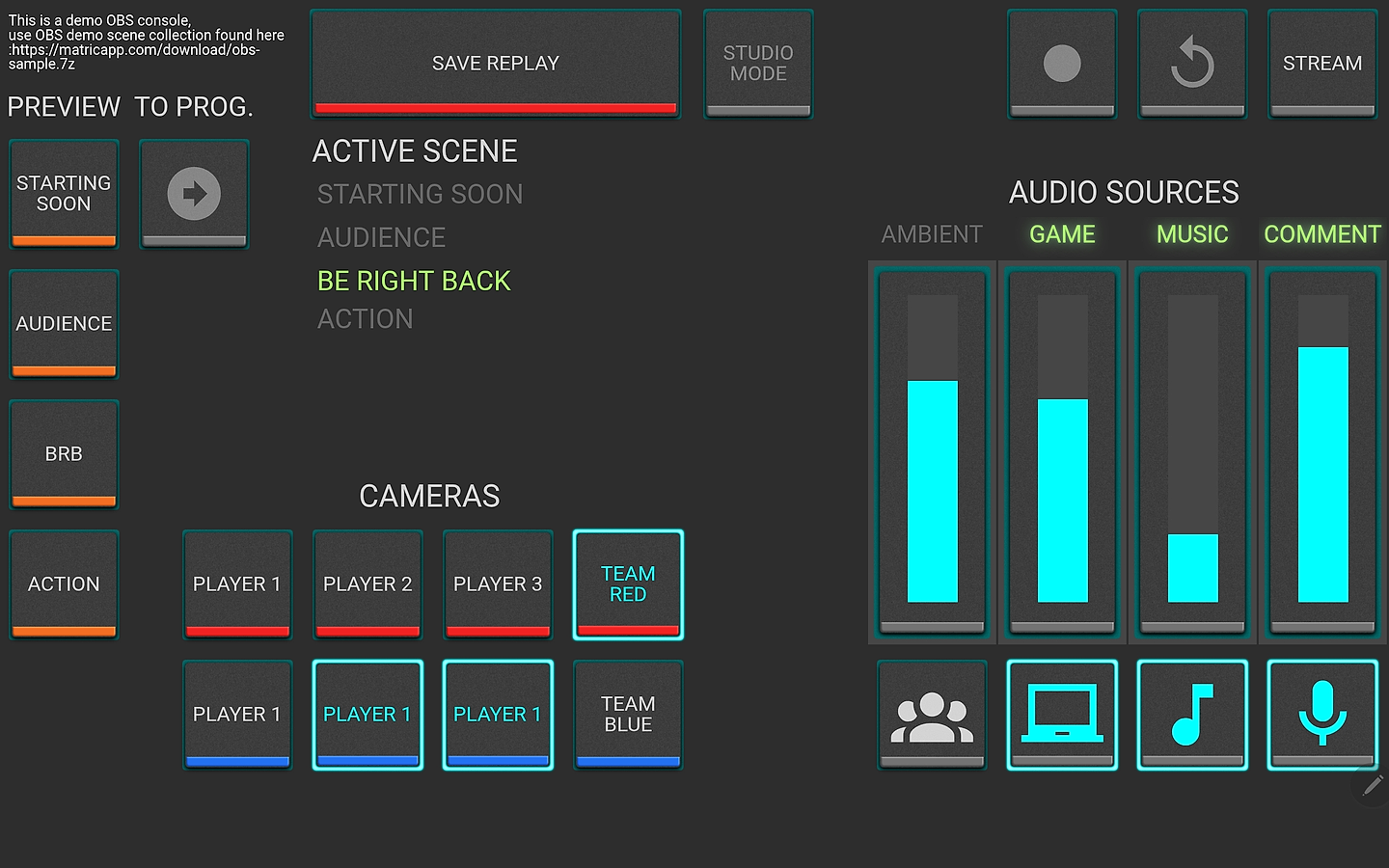
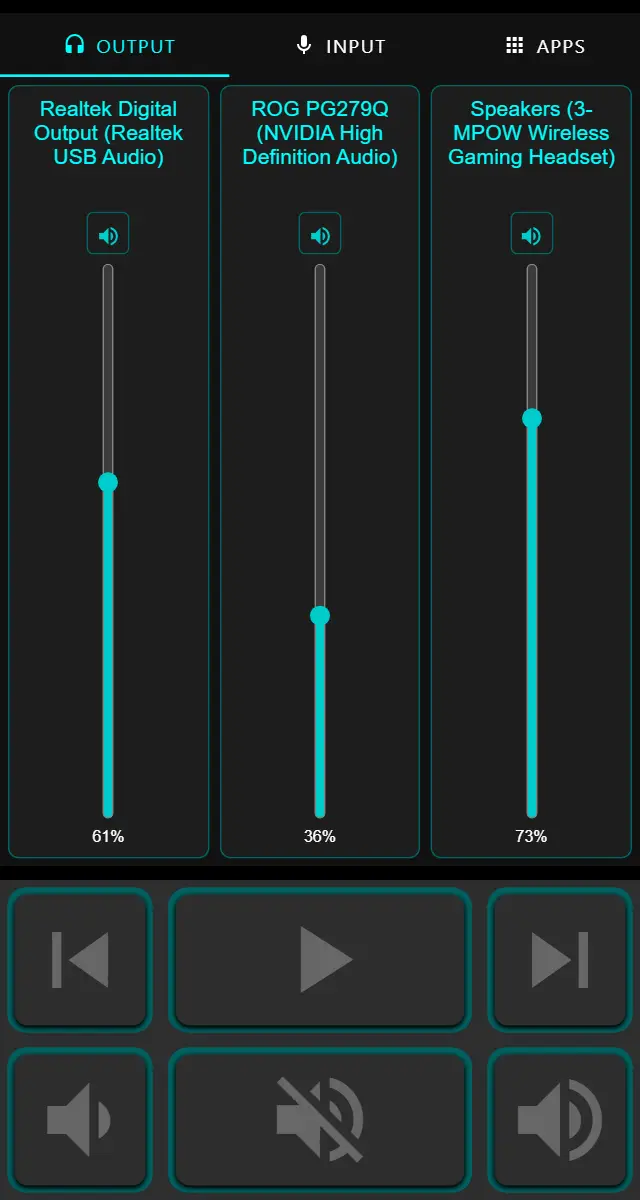
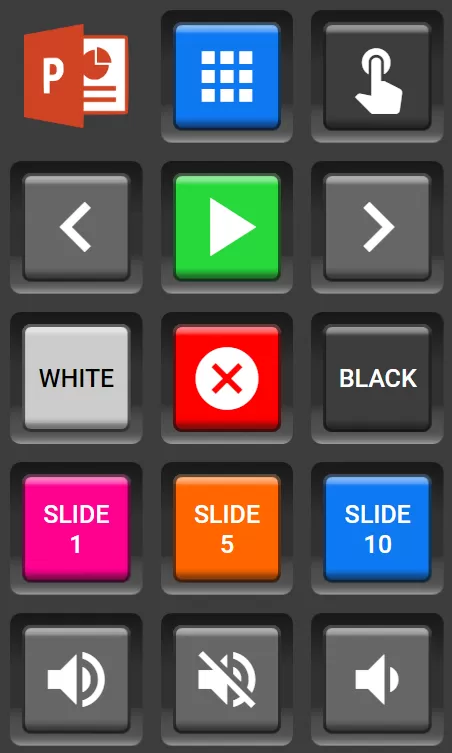
DCS F-16 DBMM Deck by The MATRIC Team Elite Dangerous Tablet Layout 1 Deck by ERIZZT Euro Truck Simulator 2 (Bailey’s grid) Deck by The MATRIC Team · original design by Bailey Langstrum OBS Studio Tournament Demo Deck by The MATRIC Team THE R3mote Deck by The MATRIC Team PowerPoint Remote Advanced Deck by The MATRIC Team
Start with the essentials.
Build from there.
Pick a handful of actions you use often. Give them clear labels, test them in your app or game, and add more controls as you get comfortable.
First-time setup & help ↗Your aircraft. Your panel. Less manual setup.
Ask your AI assistant to use installed DCS-BIOS definitions to create cockpit commands and feedback bindings, with a checklist of required DBMM outputs.
Your next control panel
is already in your pocket.
Start with the phone or tablet you own. Make it your own.
Explore community decks ↗