
01
Find a deck
Browse the community gallery in your browser or from the MATRIC editor.
Turn your phone or tablet into a custom cockpit panel for flight and space sims, a button box for racing, or powerful control consoles for OBS Studio. Your setup. Your controls.
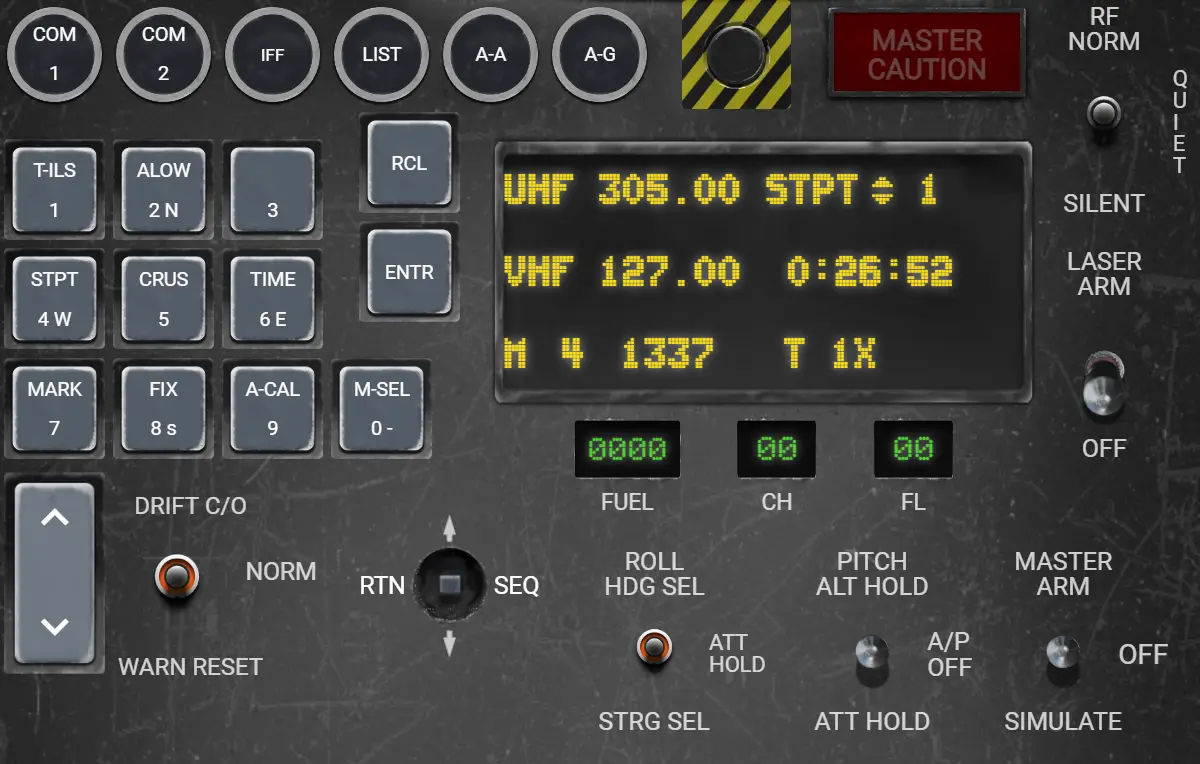
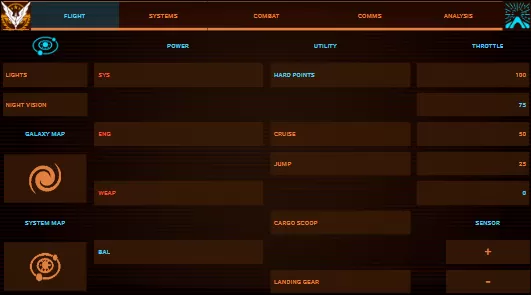
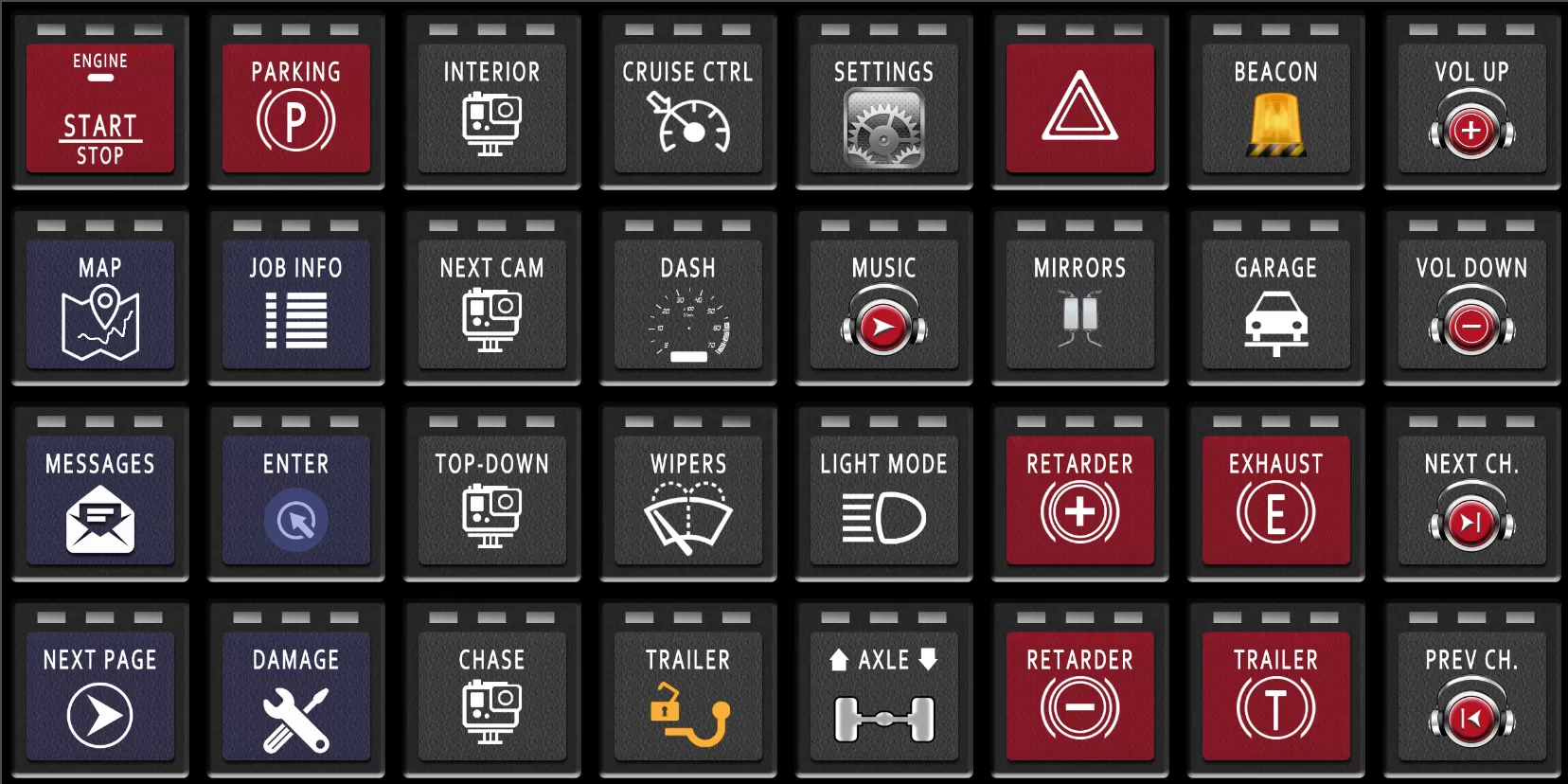
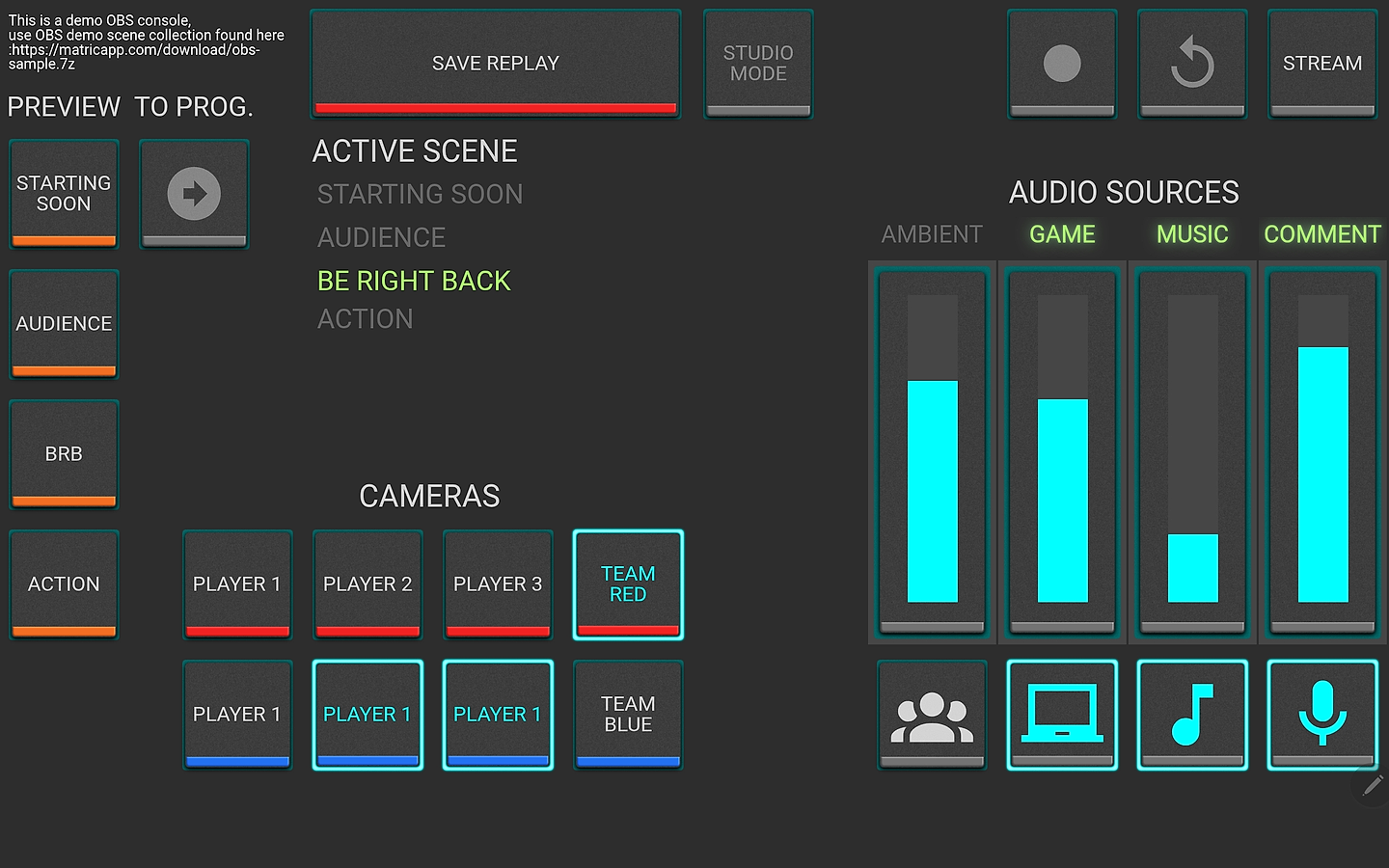
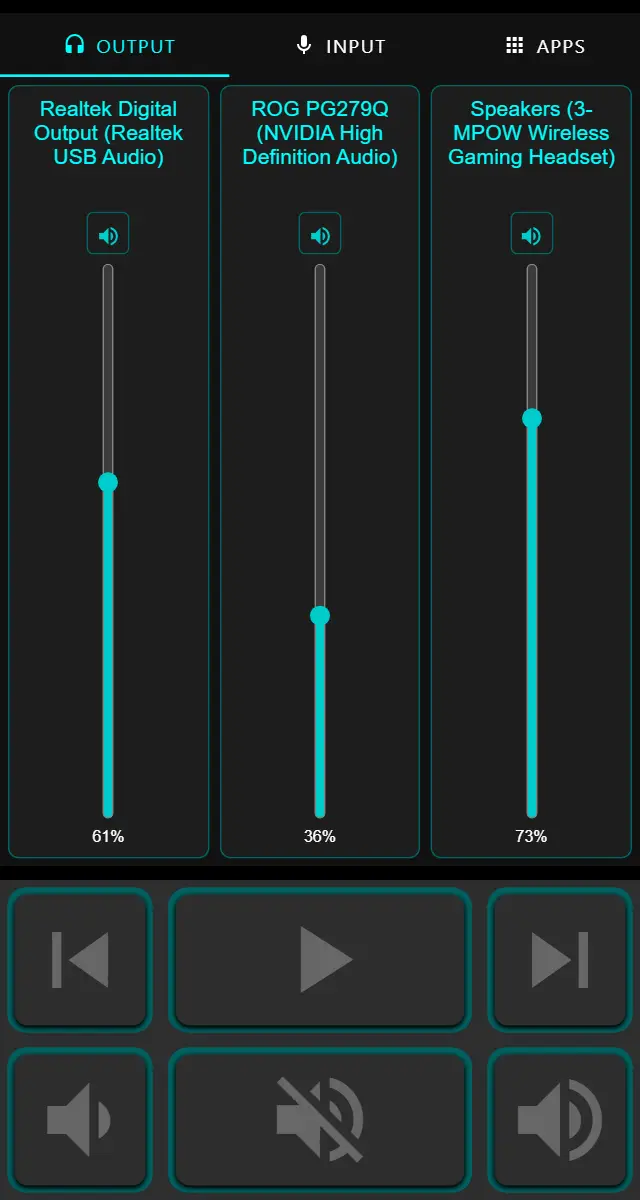
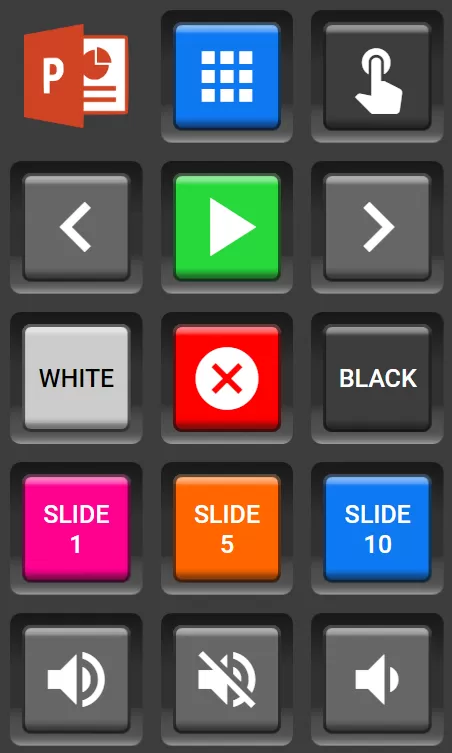
DCS F-16 DBMM Deck by The MATRIC Team Elite Dangerous Tablet Layout 1 Deck by ERIZZT Euro Truck Simulator 2 (Bailey’s grid) Deck by The MATRIC Team · original design by Bailey Langstrum OBS Studio Tournament Demo Deck by The MATRIC Team THE R3mote Deck by The MATRIC Team PowerPoint Remote Advanced Deck by The MATRIC Team
ONE CONTROL PANEL.
A WORLD OF POSSIBILITIES.
From a cockpit full of switches to a stream ready to go live. Put the actions you need right where you need them.
Keep flight controls close. Build a panel that belongs beside your HOTAS.
02 / EXPLOREBring order to your ship systems, shortcuts and frequently used commands.
03 / EXPLOREA button box for lights, pit functions and the controls beyond your wheel.
04 / EXPLOREScenes, sources and audio. Keep the essentials at your fingertips.
Explore decks shared by the MATRIC community for your favorite games and apps. Download a deck into your MATRIC library, then customize its controls and layout to suit your setup.
Deck by The MATRIC Team
Deck by The MATRIC Team
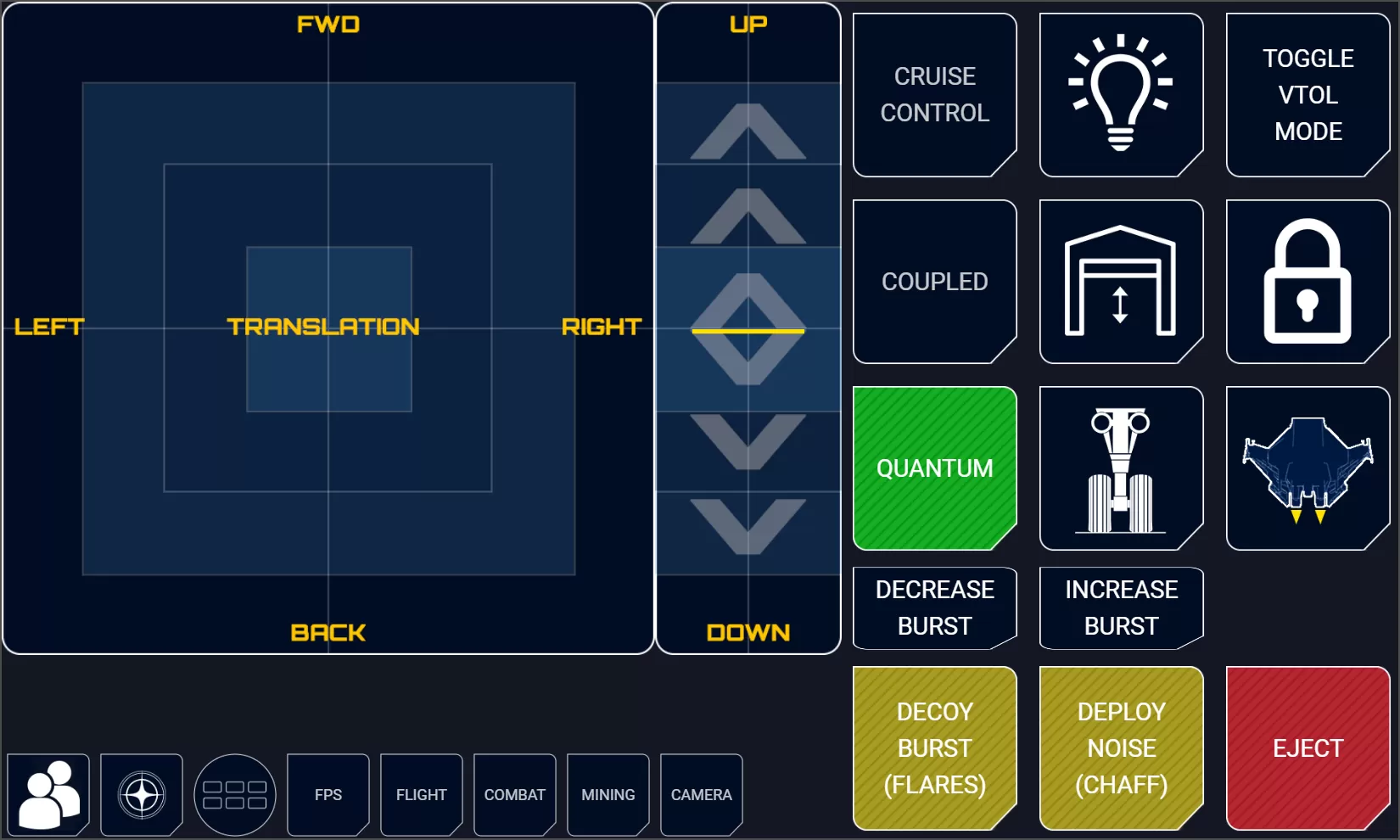
Deck by Kal
Deck by The MATRIC Team
Browse the community gallery in your browser or from the MATRIC editor.
With MATRIC installed, download a deck to import it into your deck library.
Check its setup instructions and keybindings, then customize it for your setup.
A cockpit panel for your aircraft. A streaming deck for your scenes. Use MATRIC Deck Skill with your AI assistant to create editable decks around your setup, including supported live feedback.
Explore AI-assisted deck building ↗Optional workflow · AI assistant + MATRIC Deck Skill
“Build an OBS panel using my scenes, with microphone mute and active-scene feedback.”
Illustrative example · the skill can inspect your scene configuration to create matching controls and bindings.
See OBS & DCS examples ↗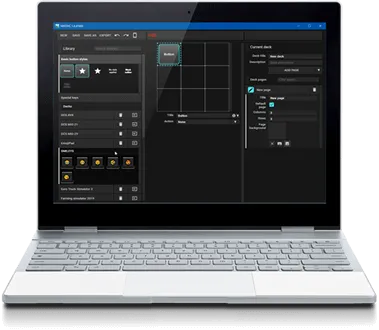
Build a deck in the drag-and-drop editor. Arrange your controls, choose their look and give every button a purpose.
A Windows app does the work. Your phone or tablet puts it within reach.
Get MATRIC Server for Windows. It includes the deck editor and sample decks to help you start.
Install the Android or iOS client. Connect your PC and device to the same trusted local network.
Try a sample, assign a few actions and test your controls. Adapt your layout as your setup grows.
Keep everyday commands simple with keyboard shortcuts, timed macros and app actions.
Reflect OBS state on your controls. Bring supported game data into your deck through integrations.
Explore virtual joystick controls, screen mirroring, applets and an integration API for custom projects.
Start with the phone or tablet you own. Make it your own.